 1:01
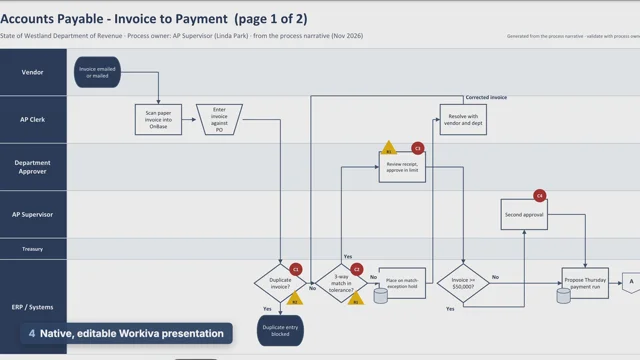
Turn a process narrative into an audit-ready flowchart
Internal audit · Claude
- Presentations
- Files
Interact connects Workiva to the AI assistant your organization already runs, inside your own AI environment and governance. Ask in plain language, review the plan, then apply it.
Your assistant
Connected to Workiva through Interact
Plan summary
0 changes
Create issueVendor access reviews not completed for Q3
PlannedCreate issueManual journal entries posted without second approval
PlannedCreate issuePolicy 4.2 cites a retired standard
PlannedLink riskISS-0413 to R-118, financial reporting misstatement
PlannedAssign ownerOffice of the Controller on 3 new issues
PlannedIllustration with synthetic data
Works with any assistant that supports MCP, including
Every request follows the same three steps, so the people doing the work and the people approving it see the same plan.
Step 1
Describe the Workiva work in the assistant your team already uses. It reads the records it needs.
Step 2
The assistant shows a plan summary before it writes: each record, field and owner it will change.
Step 3
Interact applies the plan in your own Workiva tenant, where your team already works.
Interact doesn't ask you to approve another AI tool. It connects Workiva to the assistant you've already rolled out, so the work happens where your AI policies, access and data controls already apply.
Watch recorded runs in the use case library, or ask us to record the task your team needs.
1:01Internal audit · Claude
Your IT and security reviewers need specifics before they approve an assistant that writes to Workiva. The security page answers their questions as each detail is confirmed.
Bring a task your team does by hand. We'll walk through how Interact would plan it and apply it.